Year 1 – Computing

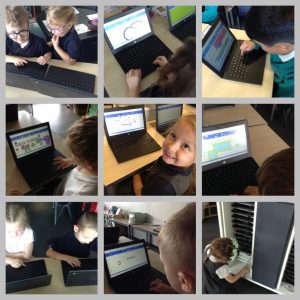
This week, Year 1 have continued to develop their trackpad skills and we also thought about  what we would use the keyboard for.

We found out that keyboard is used for writing on a computer and that, on all keyboards, the keys will always be in the exact same place.

Our task today was to type our name using the keyboard.

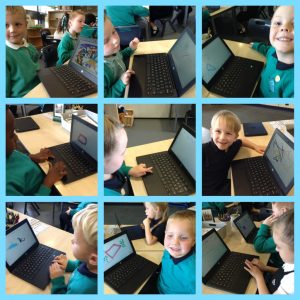
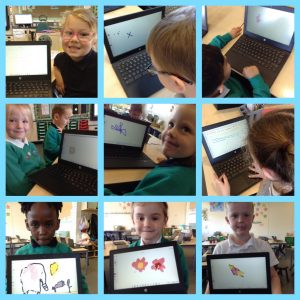
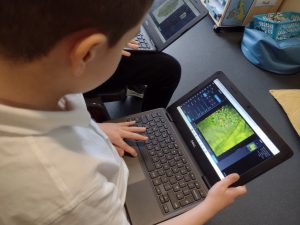
Once on the paintz.app programme, together we were able to click on the tools to draw a text box.  The children were then able to use the keyboard to type their name.

Most of the children could do this independently and we learnt that holding down the ‘shift’ key makes a capital letter.

We then had chance to explore all the tools… we found that you could draw a circle/square with one, another enabled us to fill the shape with colour and one gave a spray paint effect … we had fun finding out what all the tools were able to do.

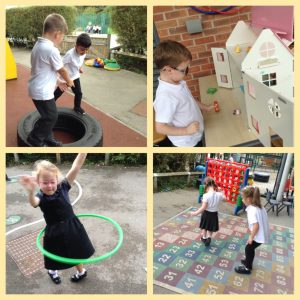
After our screen time, we took a much needed break in the fresh air.

The children had a good understanding of why it is important to do this.

Year 1 Computing

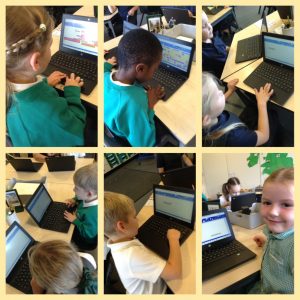
This week, Year 1 have been working on developing their trackpad skills.

We now understand the main components of a computer – screen, keyboard, mouse, trackpad – so we looked at different mice and how some look different but all perform the same function, such as the trackpad.

All of the children were able to switch on their laptop, log in using their QR code and find the artist app that we were going to use – with a little help of course.

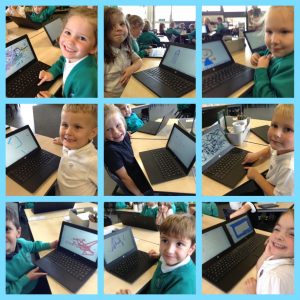
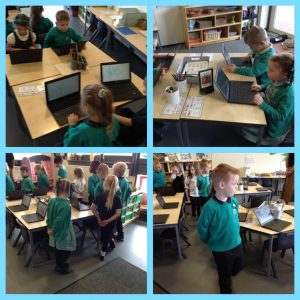
At first, some found it a bit tricky to select colours and use the trackpads to draw … but all of the children showed determination and perseverance, and were able to produce some masterpieces! The children, and myself, were very proud of what they had achieved.

We even walked around at the end, like we were at an Art Gallery, to look at everyone’s amazing creations!


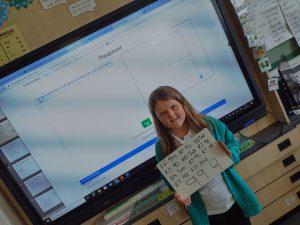
This afternoon, Year 4 have started their coding unit in computing lessons. They were tasked with writing basic programs and snippets of code on ‘Turtle Academy’ to create simple shapes and number and what a fantastic job they did!

We can’t wait for the next lesson when we’ll be exploring loop functions and creating interesting shapes and patters!


Demi worked in a systematic way to draw her number, create the code and then simply it into its most efficient terms! Well done, Demi! 

Year 1 Computing

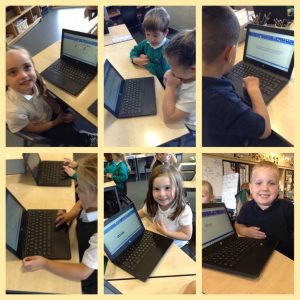
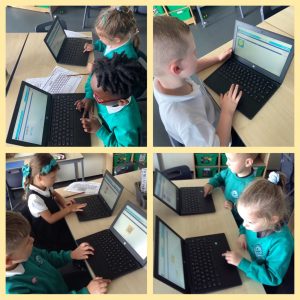
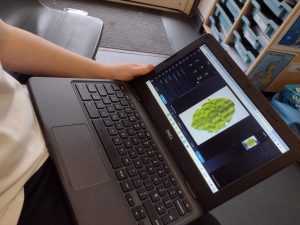
This week, Year 1 had their first use of our school laptop computers, but first they needed to be able to identify the screen, keyboard and mouse/trackpad.

They enjoyed learning how to turn on and log in to a laptop computer using their QR codes.

All of the children had a turn at developing their trackpad skills by completing a puzzle program. They needed to use the trackpad to grab and drag each puzzle piece… this proved a little tricky and it’s a skill that we will be working on developing more next week.

Year 5 Computing

This week the year 5’s have been looking at describing strategies for keeping personal information private and also explaining what a weak and a strong password is whilst knowing how to create a strong password.

They were excellent detectives in the lesson and were able to retrieve a fake pupils details from social media posts that she had given. They were able to suggest what strategies she used to protect her information and where she went wrong with advice what she could do next time.

Year 1 Computing

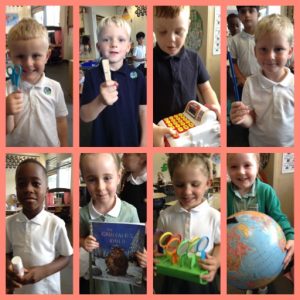
Year 1 were excited to start their Computing lessons this week, more especially to get their hands on the laptops… but first we had to find out what Technology is.

We shared thoughts about what the word ‘technology’ actually means and we discovered it is anything made by people to help us.

The children then searched our classroom to find items of technology.  The children were able to find many things and say how they help us… Chester told us that “pencils help us write and draw”, while Ivy said “the globe shows us the world and where places are” and all the children were surprised when Elio said his coat was technology as it helps to keep him dry and warm!

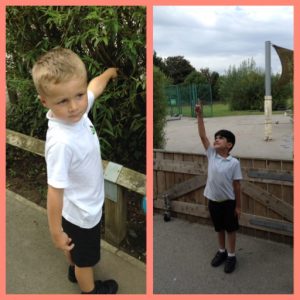
Technology is absolutely everywhere in our classroom, so we had to go outside to find things that aren’t technology… trees and the sky aren’t technology as they are not made by people.

3D modelling

Year 6 have loved exploring Tinkercad and developing their 3D modelling skills in our computing lessons this week. The children have already grasped how to use the workplane grid for sizing references and how to modify their shapes colours. We have also practised using the duplicate tool and are now even able to hollow out shapes! Great practise ready for when we use our 3D printer in a few weeks time within our DT project.

HUB – Computing

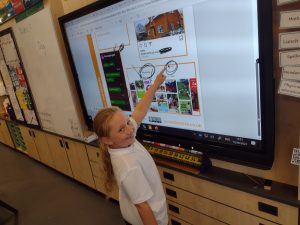
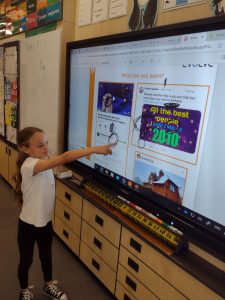
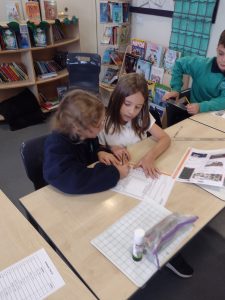
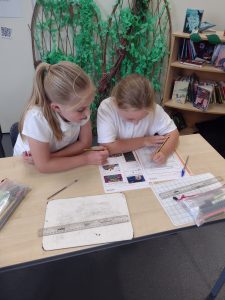
As we near the end of our photography unit, we really enjoyed further extending our skills by using Pixlr x to add effects and change the appearance of the image.

We were able to talk about which effects we found the most affective and enjoyed playing around with the images to get the desired effect to match our creative ideas.


Programming in Year 2

In our final lessons on Robot algorithms, we designed, created, and tested a mat for a floor robot. This was to introduce the idea that design in programming not only includes code and algorithms, but also artefacts related to the project, such as artwork.

Once our mats were finalised we created algorithms to get our robot from a start point to an end point. When we were able to do this confidently, we introduced obstacles to see if we could still successfully get our floor robot to our chosen end points. Then we recorded our algorithm in written form.

safer internet day

As part of Safer Internet Day, Year 3 created posters to remind each other about staying safe.

We talked about what it means to be safe online and the things we can do to keep ourself safe.

We knew lots about who we could talk to and who can help us is we don’t feel safe. We know how important it is to keep information private and safe when we are online.

We also talked about the many different ways we are online such as on our computers, games consoles, phones and even our TV’s.

We know how to stay safe and can remind our friends to do the same.