HUB – SID and Children’s Mental Health Week

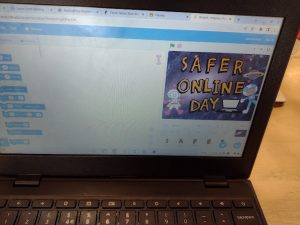
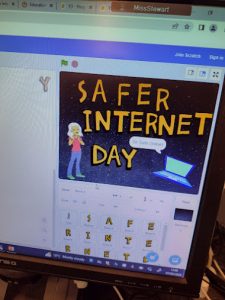
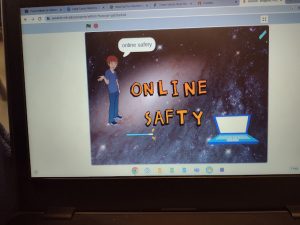
Tuesday 7th February 2023 – Safer Internet Day

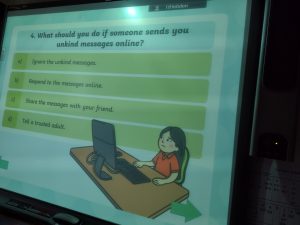
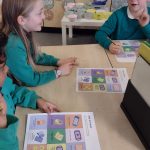
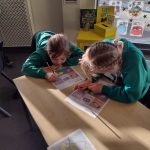
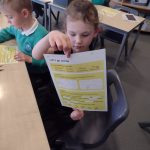
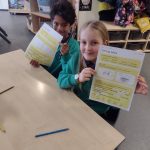
This week in the HUB, we were discussing how to keep ourselves safe online. We all love gaming and being online but we know that we have to be careful about the information we share. We scored highly when we completed our surveys and we knew which information was safe to share and which information was unsafe and we were able to talk about why that was.


6th – 10th February – Children’s Mental Health Week

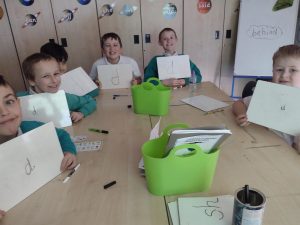
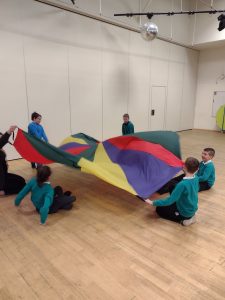
This week, we have been reflecting on what makes us happy and thinking about this years theme of Lets Connect. We spent time talking with each other, to learn more about our friends and what makes each other happy.  We played with new friends, sat with other children at lunch and learned about our shared favourite things whist playing parachute games. It’s all about the HAPPY in the HUB 🙂


Safer Internet Day

Year 2 have been celebrating Safer Internet Day today. This morning, we had a special assembly with Mr Morgan to talk about being safe on the internet. This afternoon, we discussed different reasons people use the internet. Then we found friends in our class who use the internet for different purposes and discussed these. After discussing why we use the internet, we then thought about strategies to keep us save and shared these as a class.

For story time, we read the story of Smartie the Penguin and used what we have learned to help him to learn how to be safe on the internet.


HUB – Computing

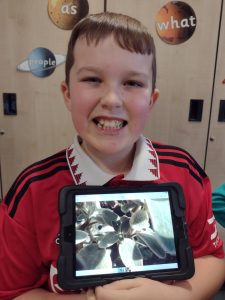
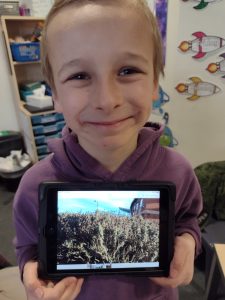
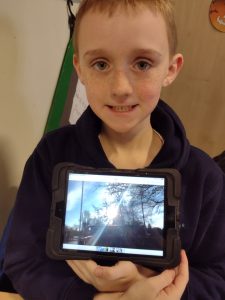
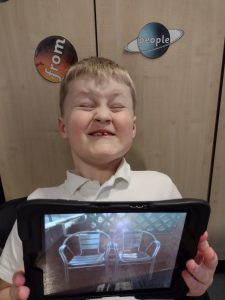
In our fourth Computing photography lesson, we have been learning about the use of lighting to improve our photographs.

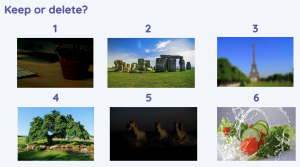
We were able to discuss these 6 images and explain why we would keep or delete them based upon our knowledge from the previous three lessons, using great vocabulary, blurry, too dark, unfocused and unclear.


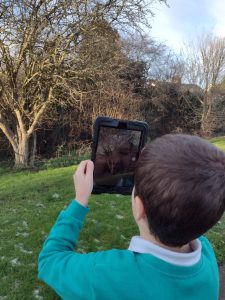
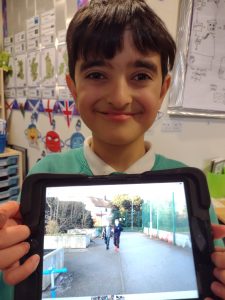
We used the camera app on the ipads and examined a variety of conditions to see which gave us the best lighting for our shots. We then used an extra source of light and explored some creative shots…..

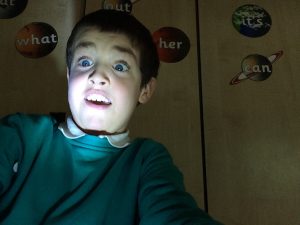
We liked the dramatic use of light on Preston’s face! The class decided that this shot worked well with our story in English, which is The King Who Banned the Dark, with Preston as the King that was afraid of the dark.

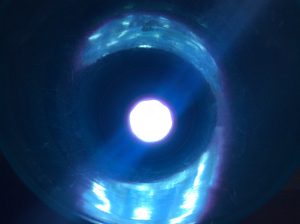
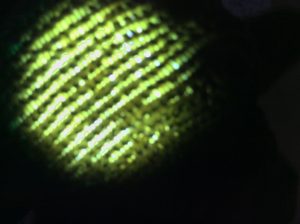
This was another of our favourite creative shots. Can you guess how we made it?

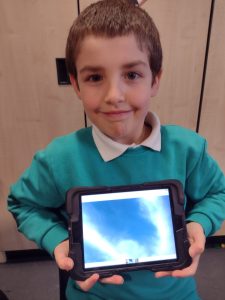
Which classroom item is the light shining through here?

Buttons and directions

Lesson 1: Buttons

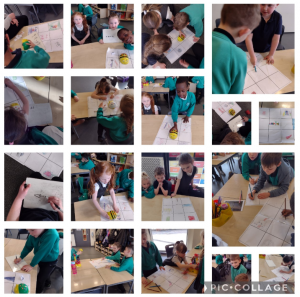
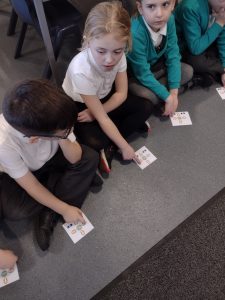
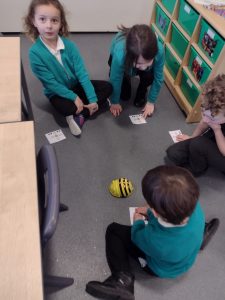
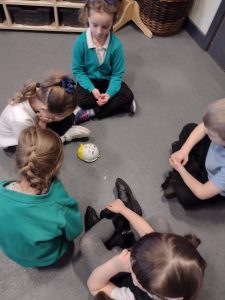
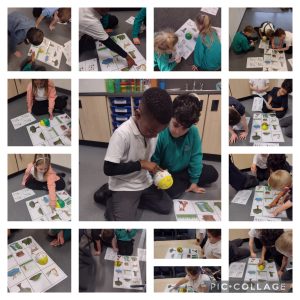
In our new unit of ‘Moving a robot‘ we looked at buttons and what they do. We looked at the floor robots and discussed what each button might make the robot do. We then took it in turns to give the robots a command. We then had to use our paper buttons to show what button was pressed.

Lesson 2: Directions

This lesson we recapped the buttons found on our floor robots; forwards, backwards, left, right and reset. We remembered it was important to reset after giving a new command. This lesson we focused on giving directions. To get used to following directions/instructions we played a game of Simon says. We then got into partners and gave each other simple instructions. We then told our partner what directions to program into our floor robots.

Robot Algorithms – Year 2

In Computing, this term, Year 2 are learning how to carry out an algorithm on a Robot.

We are currently focusing on sequences, and considering the importance of the order of instructions within a sequence. By inputting the same instructions in different orders we are beginning to recognise how the different orders affect the outcome.

Computing – Photography in the HUB

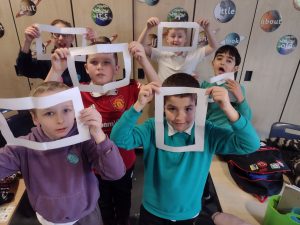
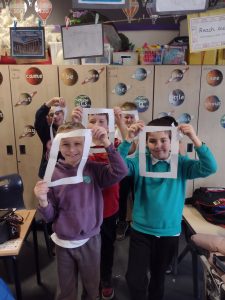
Last week in computing, we learned how to choose whether we should take a photograph in landscape or portrait mode. We revised these terms and used this knowledge to help us with our framing activity today. We used the paper frames to help us consider What makes a good photograph. We took into consideration focus, framing and distance. 

.

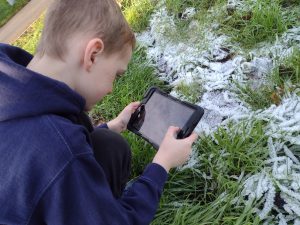
Being photographers made us look more closely at details and as we went outside we found some really beautiful objects to photograph.

.


.


.

Data Collection and Logging – Year 4

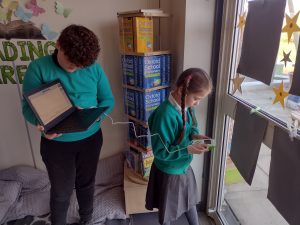
In computing this week, year 4 have been collecting and logging data.

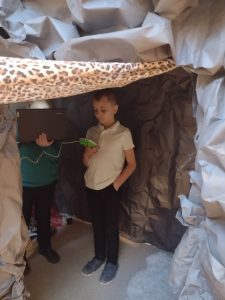
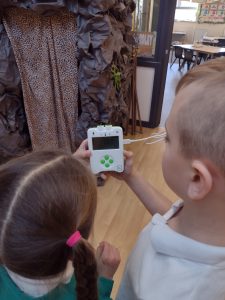
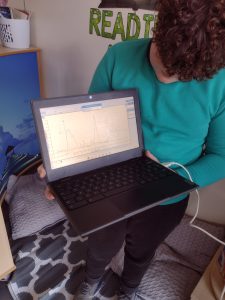
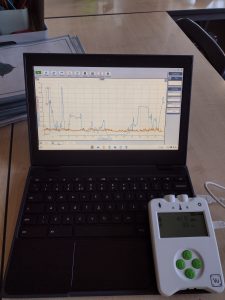
We have looked at what data is and identified many types of data that can be collected around school. We discussed that our 5 senses can be used to collect data. We then had a look at a data logger device, which has sensors similar to our senses, and began to collect and log the data. We collected data on noise levels, lighting and temperature.

We enjoyed collecting data from different areas around the school and comparing the data from the graph and the tables of data that we created.

Programming

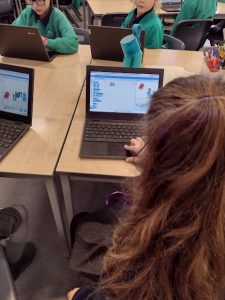
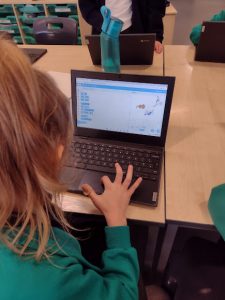
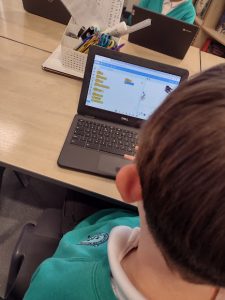
This week in computing, Year 3 have continued to use the Scratch programme.

We have begun to programme our Sprite.

Using the Scratch programme we have found out how to programme our character to move around the screen using commands. We discovered how to move more than one character at a time and how the character can make different movements such as walking, turning and jumping to random places.

Year 5 database computing

Year 5 have really been enjoying comparing different databases today. They were very knowledgeable whilst identifying differences and similarities between computer based databases and paper ones. They could identify the different fields and could sort them using a range or information.

Digital Photography

Digital Photography

This half term, Year 2 are learning all about digital photography. Over the next few weeks, the children will recognise different devices can be used to capture photographs and will gain experience capturing, editing, and improving photos. Finally, they will use this knowledge to recognise that images they see may not be real.

So far our children have carefully analysed whether a photo should be taken in a landscape or portrait format and explored reasons why a photographer may favour one over the other.

They have also evaluated photos, taken themselves, and improved a photograph by retaking it.