Computing Systems and Networks

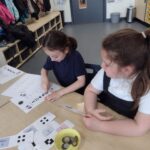
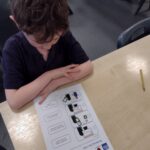
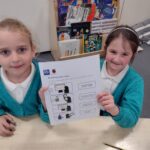
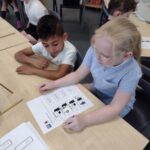
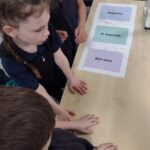
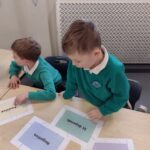
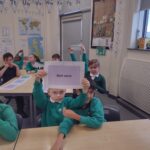
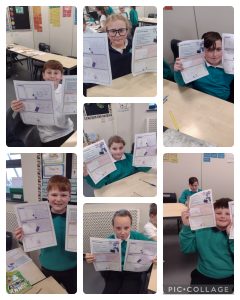
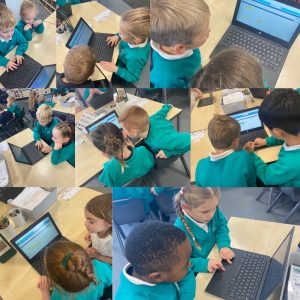
Year 2’s Computing unit this term has been exploring Computing Systems and Networks. They have learned about the topic IT All Around Us. In the first lesson they learned that IT is a computer or something that works with a computer.  They then sorted different objects into two categories; IT and not IT.

In our second lesson they learned about how we use IT in school. They looked at the IT we have in our school and thought about the purpose of the IT we have. They then sorted several IT by their purpose.

In our third lesson, the children learned about IT beyond school. They thought about the features of different IT and sorted them into two categories; IT found outside and IT found inside!

During lesson four, the children learned about how information technology helps us. The children explored the roles of a barcode, scanner and till in a supermarket during the lesson and they learned about how these work together.

In lesson 5 the children thought about how to be safe using IT. They helped Jessica identify the rules she was breaking when using IT.

Finally, in lesson 6 they learned about how to use IT in a variety of ways and how to be mindful of the time they spend using IT.
Year 1- Computing

Our new unit in computing is “Creating media – Digital writing”


Lesson 1- Exploring the Keyboard

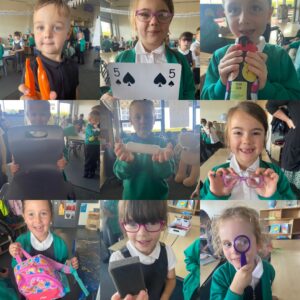
This is the first lesson in which Year 1 have experienced using a computer to create and manipulate text. In this lesson we familiarised ourselves with word processor and thought about how they might use this application in the future. The children also identified the different keys, before adding text to their page by pressing keys on a keyboard.


Image preview

Image preview


Lesson 2- Adding and Removing Text

In this lesson, the children continued to familiarise themselves with word processor and how they can interact with the computer using a keyboard. We focused on adding text as well as exploring more of the keys found on a keyboard (such as the numbers). Finally, we began to use the backspace button to remove text from the computer and learned how to create a finger space using the space bar key. We also briefly touched on how to do a capital letter using the shift button.

Image previewImage preview

Computing- Moving a robot

Lesson 4: Four directions

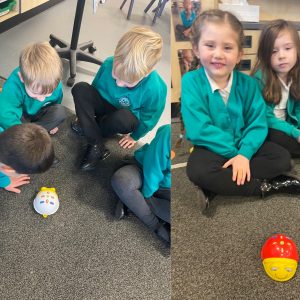
In this lesson, Year 1 have been learning to use left and right turn commands along with forwards and backwards commands. Learning how to use these buttons has allowed the children to develop more complex programs when using a robot.


Lesson 5: Getting there

Throughout this lesson, Year 1 have chosen a starting point and end point which the robot can follow. This has allowed the children to create their program and test it on the robot using a preplanned route. Where needed, they also debugged their programs.


Lesson 6: Routes

In our final lesson of the unit, the children were encouraged to plan their routes before they started to write their programs – which was built on from the lesson previously. However, we also developed the concept of there being more than one way to solve a problem. This concept applies to a lot of programming activities: the same outcome can be achieved through a number of different approaches, and there isn’t necessarily a ‘right’ way. The lesson also introduces the idea of program design, in which learners need to plan what they want their program to achieve before they start programming.

internet safety day

For internet safety day, year 3 have been discussing different things that we may see or hear online and how these make us feel.

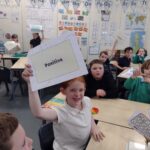
We looked at different scenarios including friends posts, you tuber videos and gamer messages. Some of these scenarios made us feel positive and we liked how they would make us feel if we saw them. Some of them made us feel negative and we did not like these one. We discussed why they made feel us this way and what me do if we saw things like this. We also talked about all the people who can help us and how we can ask for help to deal with things that upset us or make us worried online.

Safer Internet Day 2024

Year 5 have enjoyed celebrating Safer Internet Day! We discussed how technology has changed over time and how we would want technology to look in the next 20 years.

Year 1 – Computing

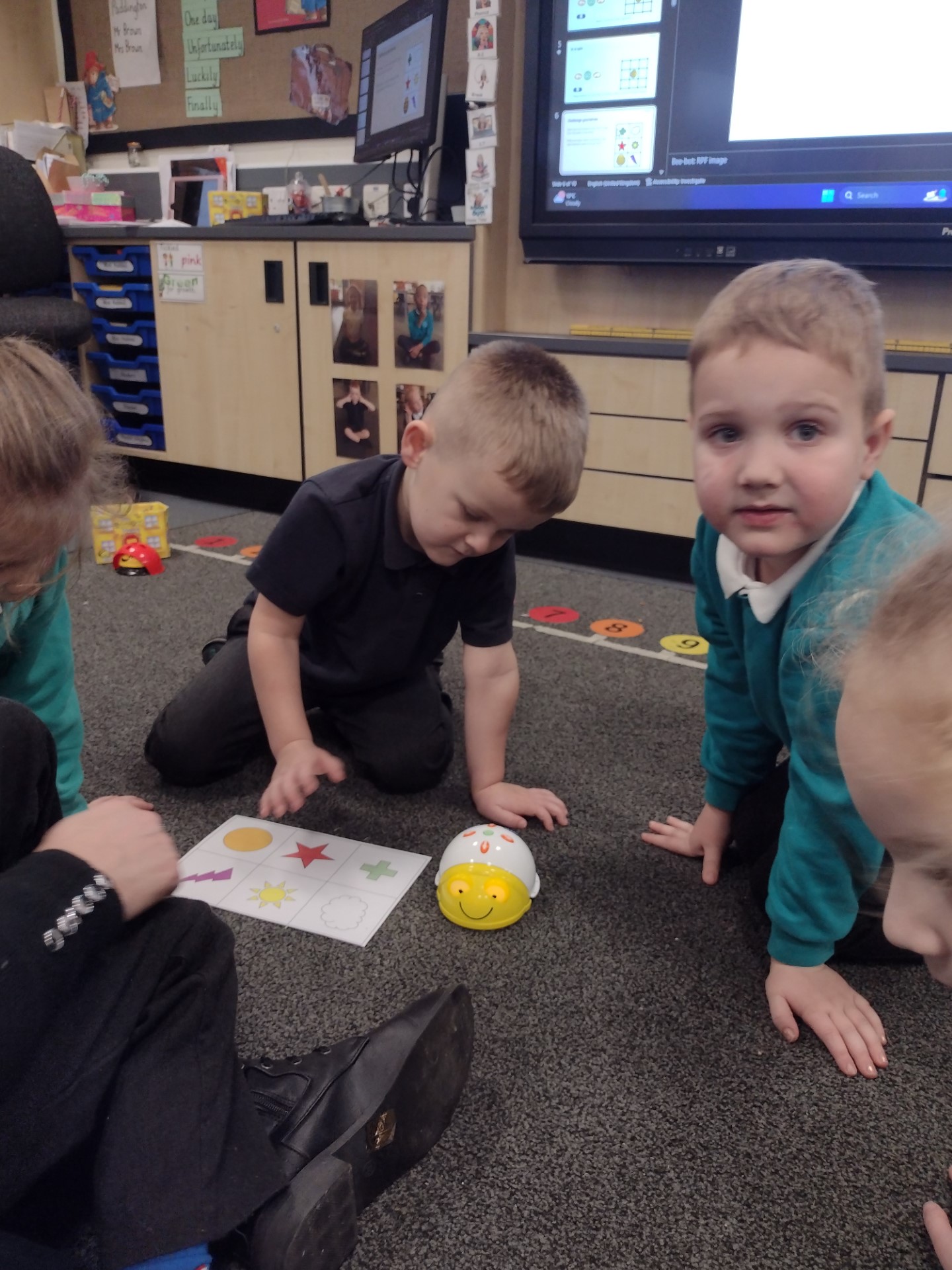
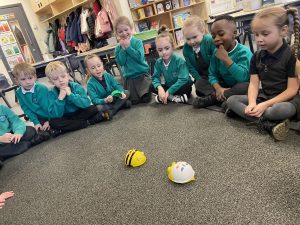
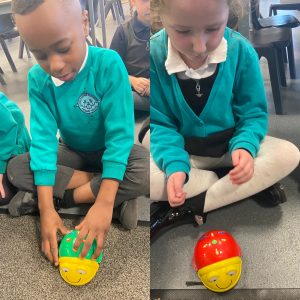
This week Year 1 were introduced to the Bee-Bots.

Bee-Bots are robots that need commands to make them move.

We spent time linking outcomes to each button.

The commands we learnt were:- forwards, backwards, turn, clear and go.

YEAR 1 -COMPUTING

How can we paint using computers?

Now we are all confident at using laptops, this term we will be investigating how we can paint and replicate some famous artists techniques using http://paintz.app

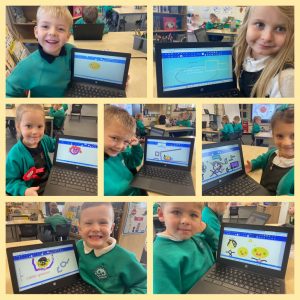
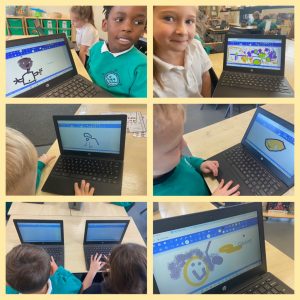
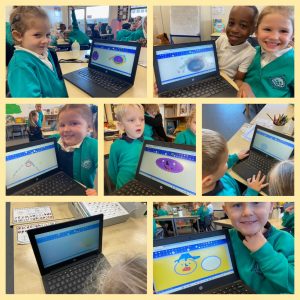
This week, our task was to create a self-portrait. We had the opportunity to examine our prior knowledge and spend time exploring for what the different freehand tools do in the painting program, so that we could add individual creativity to our work.

The children worked in pairs, enabling shared experiences and modelling to their partner what the different tools in the painting program can do. 

We were all able to talk about which tools we used in our paintings, which were easiest/hardest to use and which we liked best…the spray can tool was very popular!


We all succeeded in creating some wonderful pieces of artwork using our laptops.

YEAR 1 – Computing

This week our focus was following the rules we talked about last week, which were:-

Hold your device carefully

Stop using your device when someone is talking to you

Only use the apps you’re asked to

Take turns with your partner

The children worked in pairs on the app https://ncc.io/drag to complete puzzles and mazes, using their trackpad skills.

They were able to follow all the rules and all really enjoyed working together with their partners, as they were able to help and share each others successes.

Year 1 – Computing

This week our focus was about using computers safely in our school setting.

First, we looked at why we have rules in school and how those rules help us.

After some discussion, we found at that rules enable us:-

To stay safe

To make sure we are all happy 

So that we can learn

To help us to be good people 

Next, we looked at how we can apply this understanding to rules needed for using computer technology safely. Our 4 main rules in Year 1 are:-

Hold your device carefully

Stop using your device when someone is talking to you

Take turns with your partner

Only use the apps you’ve been asked to use

Finally, we recapped on all we had learned during our technology lessons.

We know that technology is something that has been made to help others, that we have different types of computer technology, that we can name the different parts of computers and that we have used a mouse and keyboard to draw pictures and write words.


Year 1 Computing

This week, Year 1 continued to develop all their new skills learnt over the past two weeks.

We are now all confident using the track pad and are able to use the keyboard to type our names.

We explored the tool bar more this week, finding out that as well as change colours and type, we could make shapesfill with colour and use a spray paint effect.

This week we also discussed and looked at saving our work, so we can work on it again.  We understand that we need to save it as something sensible so that we can easily find it again.

After completing our lesson this week, we were all able to place our laptops in the charging station and carefully plug the lead into the correct hole.