Lesson 1: Buttons
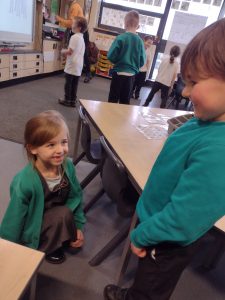
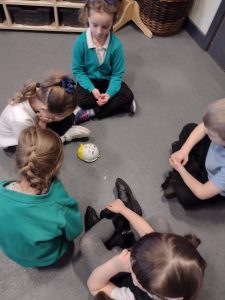
In our new unit of ‘Moving a robot‘ we looked at buttons and what they do. We looked at the floor robots and discussed what each button might make the robot do. We then took it in turns to give the robots a command. We then had to use our paper buttons to show what button was pressed.
Lesson 2: Directions
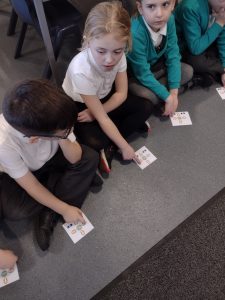
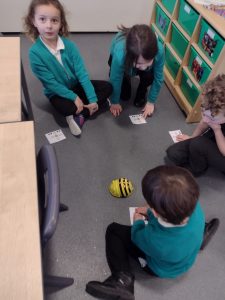
This lesson we recapped the buttons found on our floor robots; forwards, backwards, left, right and reset. We remembered it was important to reset after giving a new command. This lesson we focused on giving directions. To get used to following directions/instructions we played a game of Simon says. We then got into partners and gave each other simple instructions. We then told our partner what directions to program into our floor robots.