Who keeps us safe when we use the internet?

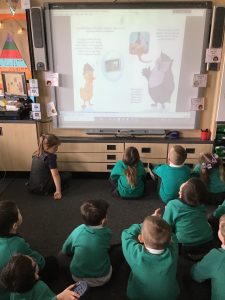
Year 1 have listened to the story Digiduck told us about how things on the internet are not always true.

The story got us thinking about what other things may not be true on the internet.

Year 1 discussed how they use the internet on things like games consoles and phones and Netflix. That got us thinking about how you can talk to people when playing games.

Year 1 are very sensible and only talk to people they know but we found out some people talk to strangers online. We then found out that lots of people who care about us keep us safe whilst we are online.

In school teachers keep us safe and only let us use the internet for school work.

At home our adults keep us safe and check we are on the right programmes and games online.

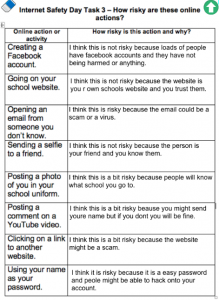
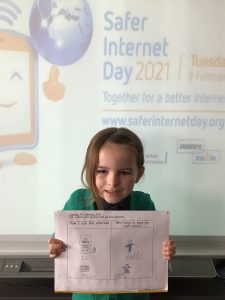
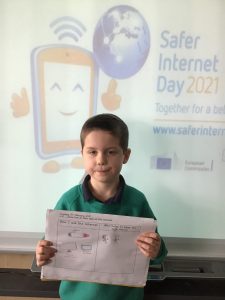
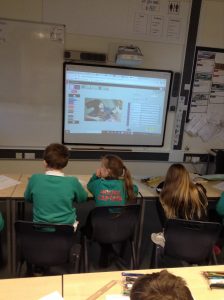
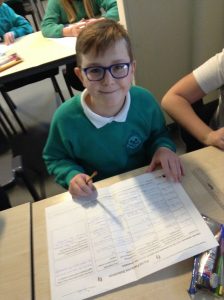
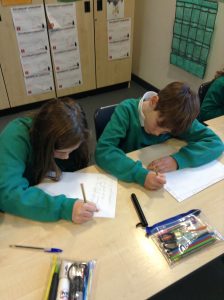
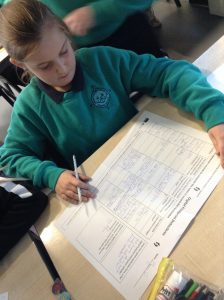
We drew some pictures to say how we use the internet and who keeps us safe while we are using them.


We know lots about staying safe online now!

Safer Internet Day – Guinness World Record

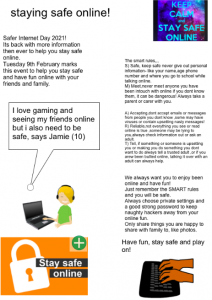
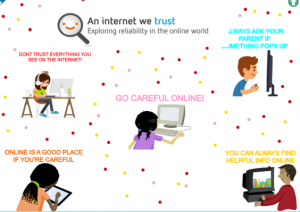
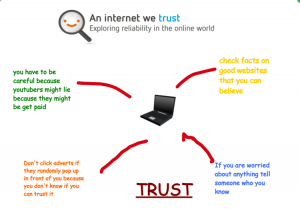
As part of Internet Safety Day 2021, Year 3 have found out about what reliability online means. This linked in nicely with what we have previously discovered, in our computing lessons, about the accuracy of information on websites. To celebrate this day some of our year 3s have taken part in signing a pledge, to promise to keep ourselves safe online and post reliable content. This is part of The UK Safer Internet Centre and 2Simple’s task to break an official GUINNESS WORLD RECORDS ™ title for Safer Internet Day. Hopefully, we can be part of a new world record! Here are some posters our online learners made to reiterate the message about reliable online content.

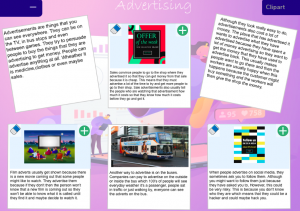
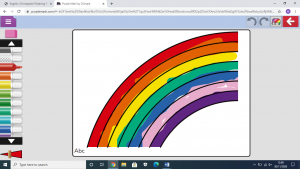
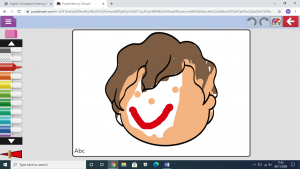
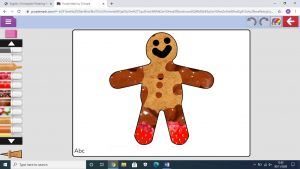
One of the fantastic posters  Y3 made using purple mash.

Well done to our home learners who also made some fantastic posters.

‘Spoof’ Websites

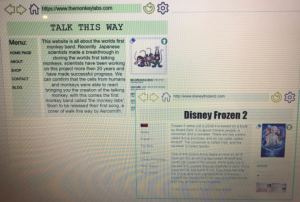
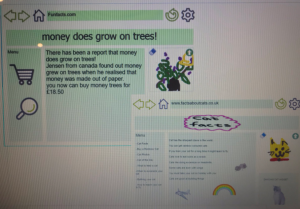
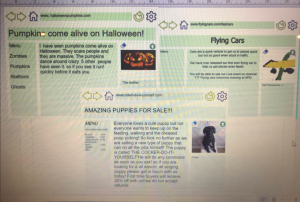
In Year 3 we used the internet to research Christopher Columbus and from the range of information found, we discovered that some information held on websites may not be accurate or true. Year 3 now know that they need to think critically about the results found, when using search engines. From this we went onto create our own ‘spoof’ websites to demonstrate how easily anyone can create a webpage.  Here are a few our home learners have made.

Cyber-Bullying

By Ava-May and Pippa 

In one of our digital leaders meetings we looked at Cyber-Bullying, this is a serious thing to do online. It is where someone bullies someone else online. If you for some unacceptable reason, you need to think about how you would feel if you were cyber-bullied as you could have the same feelings as someone else being cyber-bullied. Say if you posted a picture of yourself on social media and you got cyber-bullied for the way you look, it could make you feel insecure about your features and the way you look. If someone is bullying you online, no matter what reason for, then tell a trusted adult and keep the evidence.

If someone was bullying you on a game, don’t hesitate to report them, it could help a lot as they might not just be targeting you. If you were being bullied online, don’t just let them bully you, stand up for yourself. I they don’t leave you alone after that, then tell someone around, whether it is someone you know or not, if they are a trusted adult then they will probably be able to give more advise than anyone else on how to stop them from bullying you. If you are on a game and someone randomly starts cyber-bullying you and there isn’t a report button then maybe figure out the game developers email and tell them that they are bullying you and maybe ask them to ban the person who is bullying you. If they are making you feel upset about what they are saying or worried that maybe it could be happening to someone you know personally or online, then there are lots of people who can help you. Such people are: your teacher, parents, carers or call a ChildLine. Childline will listen to what you have to say and help you. Even if it isn’t repetitive cyber-bullying, it is still not nice to experience or do. So, in that case, stay safe online.
Y5 Computing: Online Safety

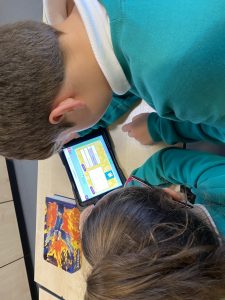
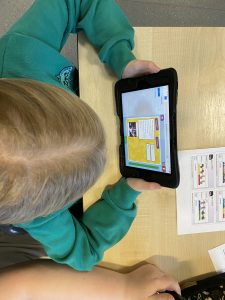
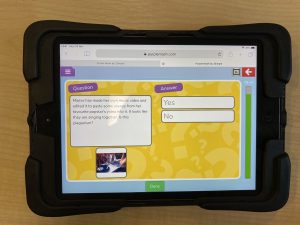
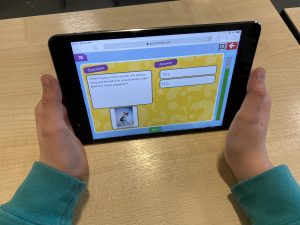
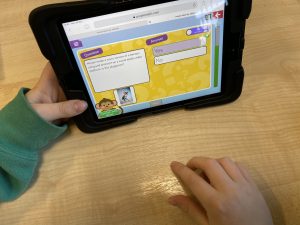
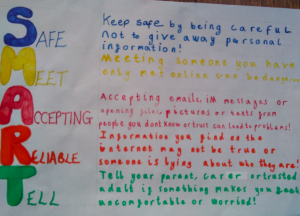
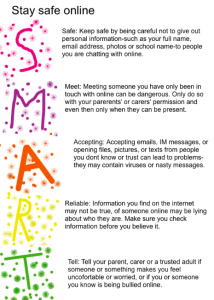
Over the past couple of weeks, Year 5 have been looking at online safety in their computing lessons. We have looked at the SMART rules for keeping safe online and today we looked at passwords and plagiarism. We discussed why we need passwords and how to create a secure password and what plagiarism is and scenarios that would be classed as plagiarism. Following our discussions, we undertook some quizzes on Purple Mash to assess our learning.

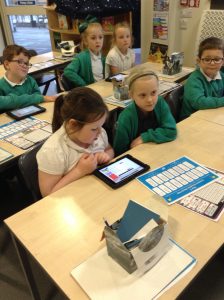
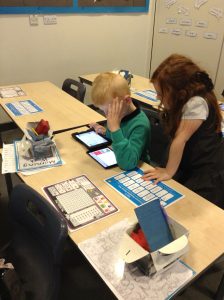
Year 2 are learning how to create spreadsheets!

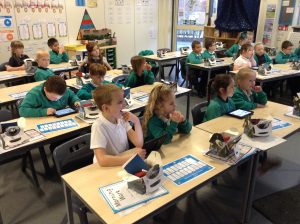
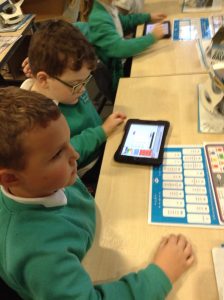
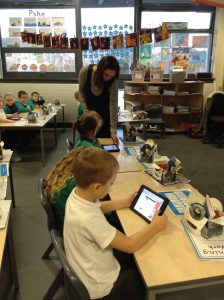
Year 2 have been working extremely hard in computing this half term. We have learnt about online safety, what algorithms are and how to create them and how to send emails.

This week we are learning about spreadsheets.

We had to listen really carefully and follow the step by step instructions.

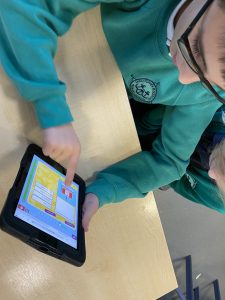
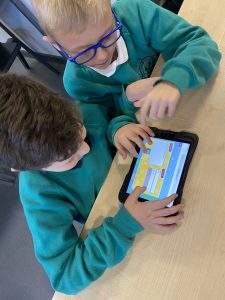
We worked in pairs and with our teachers to create a spreadsheet using Purple Mash.

It was tricky to start with but we all persevered until we had created a spreadsheet that we could use.

Great work Year 2!

Year 1 ‘Purple Mash’

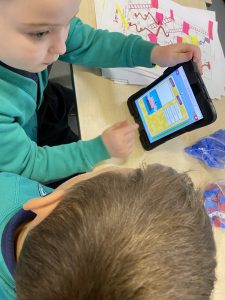
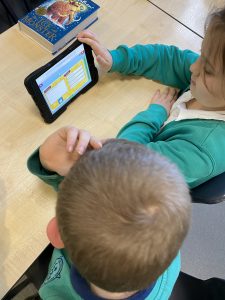
After lots of discussions about internet safety and the importance of keeping our personal details and passwords safe, Year 1 have been using their own login details and passwords to access activities and home-learning via Purple Mash. It has taken a bit of practice for us to log on independently but we are getting the hang of it! We have even started to save our own work in our own files. Successfully logging on, accessing learning and saving all independently!

Year 6 Digital Footprint

In year 6 we have been looking at the impact a digital footprint can have and how some things online are permanent. We have been digital footprint detectives and looked at peoples digital footprints who have been applying for a job within our fictional football academy. From this we have created rules about how to improve and stay safer online through thinking about our own digital footprint and what we are posting on the web.

Coding in Year 3


We have really enjoyed learning how to code, in Year 3, throughout the Autumn term. We have created simple algorithms, used the repeat command, used timers and even learnt how to debug incorrect codes.

Year 6 coding

Year 6 have had a super time enhancing their coding through adding variables and functions to make their characters interact with each other. By using the repeat code they have been able to have repeated lines of code which can reset their characters.