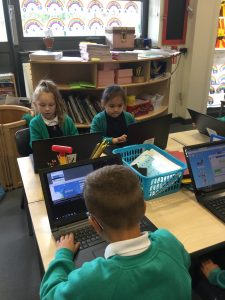
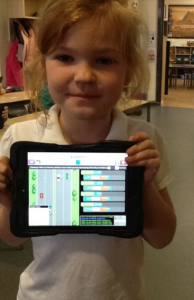
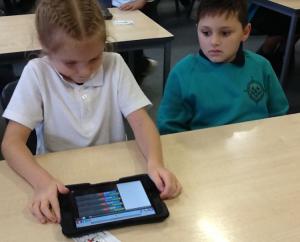
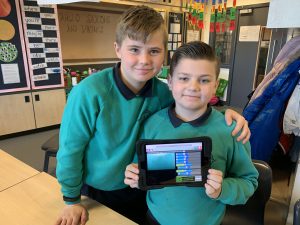
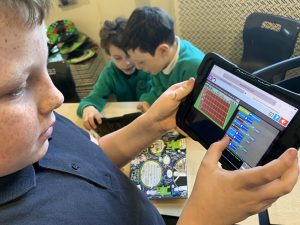
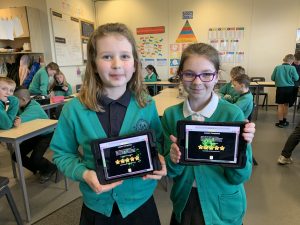
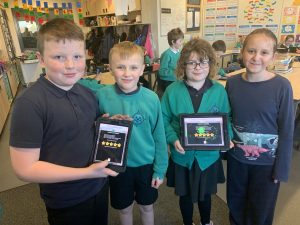
We have really enjoyed learning how to code, in Year 3, throughout the Autumn term. We have created simple algorithms, used the repeat command, used timers and even learnt how to debug incorrect codes.
Post computing content here
We have really enjoyed learning how to code, in Year 3, throughout the Autumn term. We have created simple algorithms, used the repeat command, used timers and even learnt how to debug incorrect codes.
Year 6 have had a super time enhancing their coding through adding variables and functions to make their characters interact with each other. By using the repeat code they have been able to have repeated lines of code which can reset their characters.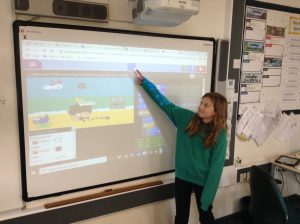
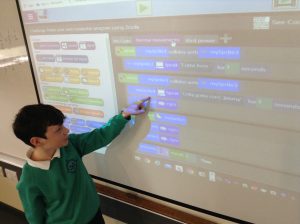
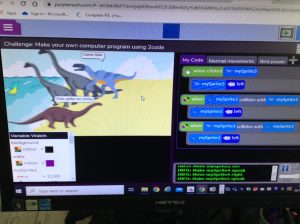
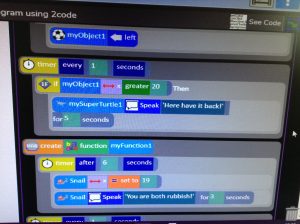
Our first Computing unit in Y2 this year is Coding. Using Purple Mask, we are learning to create a background, create an avatar and make our avatar move.
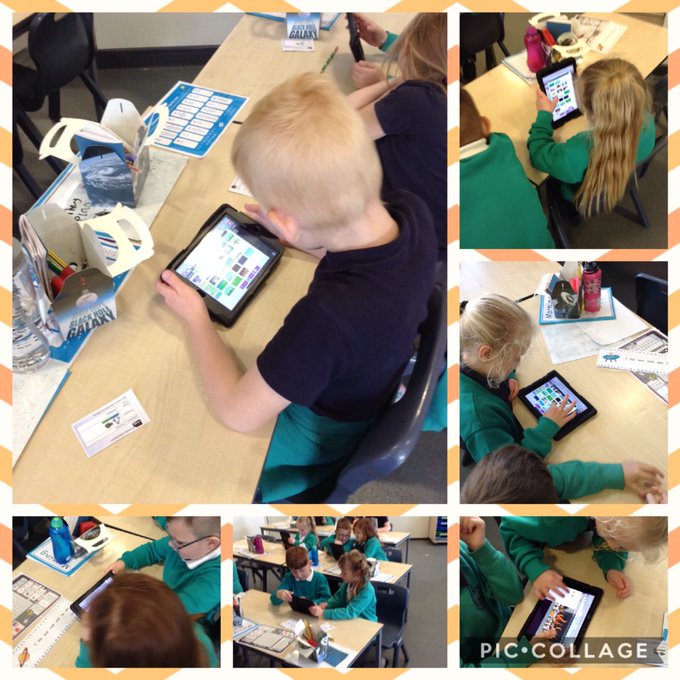
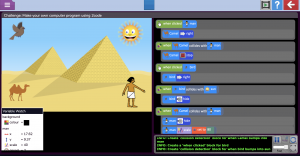
Year 4 are having a great time during their coding computing unit! We have been revisiting some of the Y3 work as part of a ‘crash course’ to catch up on any missed skills before attempting more complicated work. Today they were animating their own Egyptian scene working on coding collision events.
Can you predict what will happen in this animation?
During the lockdown partial opening, we finally found time to crack on with our Minecraft ‘Build the School’ project! Here is an update video – it’s looking fantastic, well done children!
Today in Year 2 we carried out lots of discussions about what the word ‘identity’ means and how we need to keep our identity safe whilst we are online.
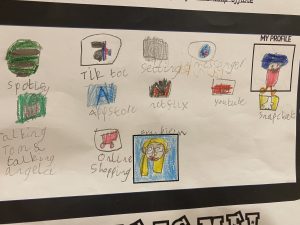
We had lots of in-depth discussions about what we do online: websites, APP’s and games and which ones we shared information with other people. We talked about why we shouldn’t share personal information online and how to avoid doing this.
First we created an avatar to use as a username which would allow us to keep our identities hidden whilst online.
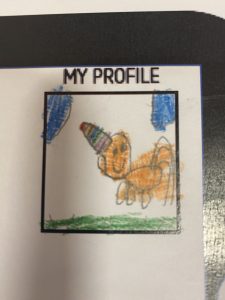
Then we created logos for the things we all access online such as Youtube, Netflix and online games and thought about which ones we had to be careful to keep our identity safe.
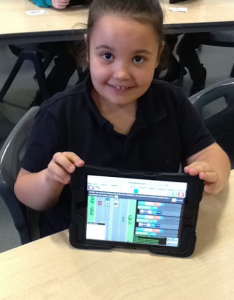
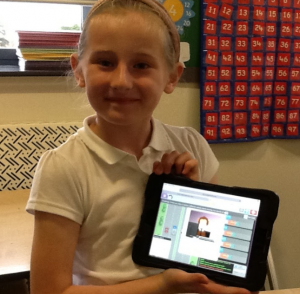
The children have been learning some basics in coding today. They used the Daisy the Dinosaur app to build steps of instructions to make a dinosaur move how they wanted. This is a very basic first step in programming a computer. They all loved using the app on the iPads. We talked about how important it is to give specific instructions to get the results you need. It can be downloaded for free onto iPads at home. Amazing work children
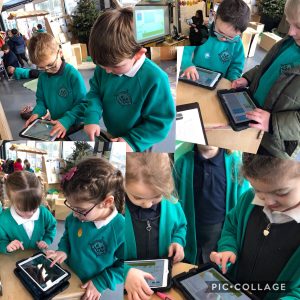
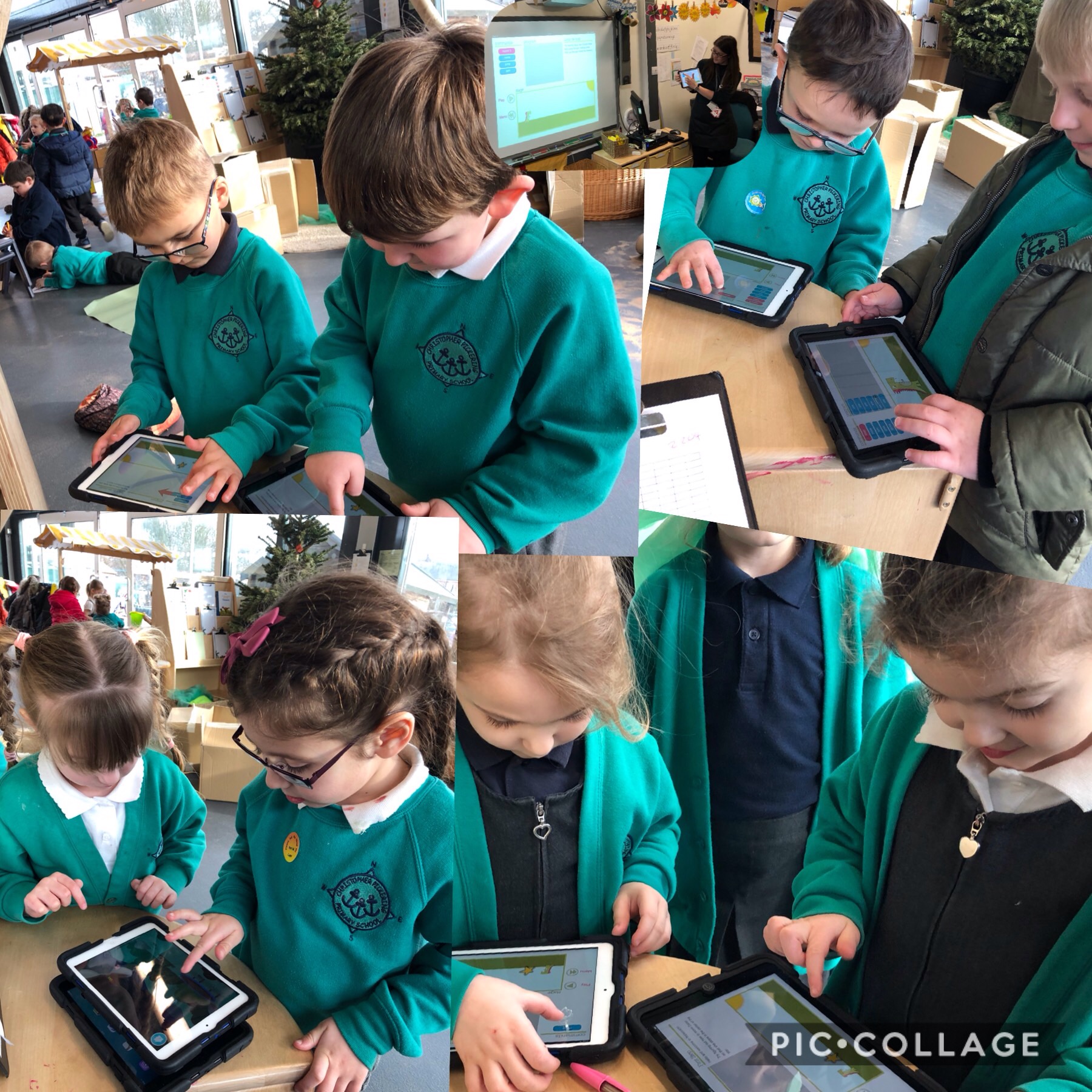
The children in Miss Jones’ class have enjoyed their coding lessons using Purple Mash. They’ve been learning how to write their own code and have been spotting problems and errors in code and correcting these.
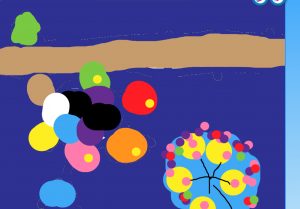
In Year 2 we have been practising logging on and off the laptops. We have been accessing our J2e accounts and have been creating some super Hull Fair pictures using lots of colours and shapes.
We are getting used to using the mouse and have even learned how to save some of our work!