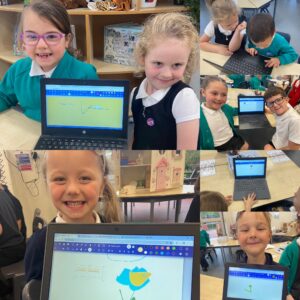
This term in ICT, our focus is  ‘Data and Information – grouping data’.

We are becoming confident at:-

  •   Labelling objects.
  •   Identifying that objects can be counted.
  •   Describing objects in different ways.
  •   Counting objects with the same properties.
  •   Comparing groups of objects.
  •   Answering questions about groups of objects.

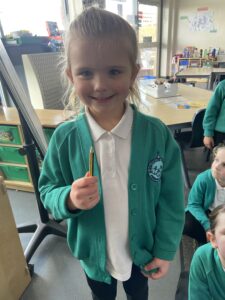
First, I asked the children to find me ‘a cylinder shaped object, that has stripes, one flat end, one pointy end and I can write and draw with it’ … Archie quickly realised that I meant a pencil!

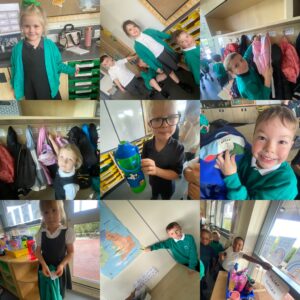
We discussed how names for objects and labels are important…and then we went on a label hunt’ in our classroom, we found so many!

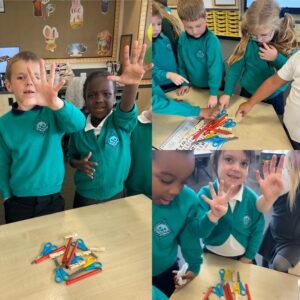
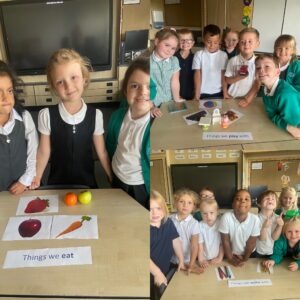
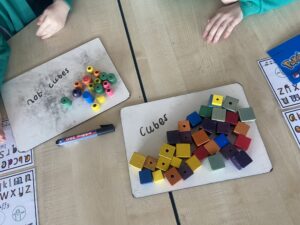
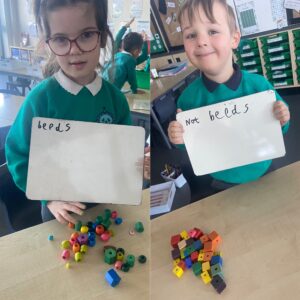
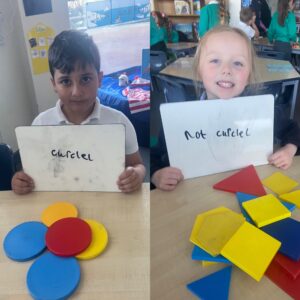
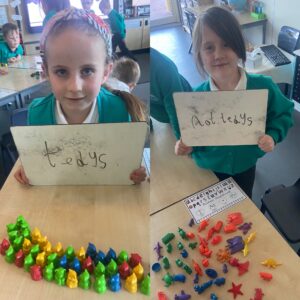
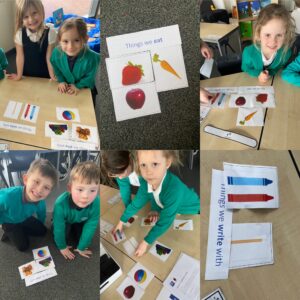
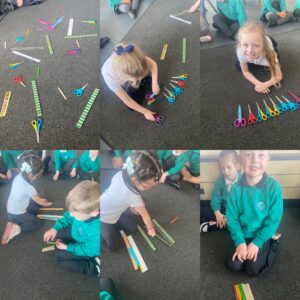
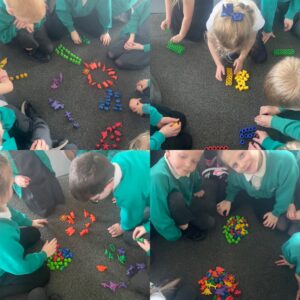
We used our classroom resources to sort and label some objects.

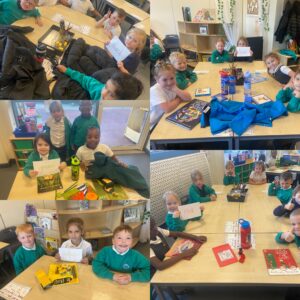
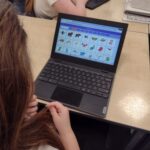
Then we collectively used the class computer to search a variety of images, by size, shape, use and colours (their properties) this helped us to understand that data (images) have different labels so that computers are able to group them.

… and then finally, we went on a ‘colour hunt’ in our classroom!

Year 1 – ICT

This term in ICT, our focus has been ‘Data and Information – grouping data’.

We have confidently become able to:-

  • Label objects.
  • Identify that objects can be counted.
  • Describe objects in different ways.
  • Count objects with the same properties.
  • Compare groups of objects.
  • Answer questions about groups of objects.

First, I asked the children to find me ‘a cylinder shaped object, that has stripes, one flat end, one pointy end and I can write and draw with it’ … they quickly realised that I meant a pencil and also why labels were important!

Next, we went on a ‘label hunt’ in our classroom, we found so many!

We then used our classroom resources to sort and label some objects.

We also looked at different ways to group objects.

Then we collectively used the class computer to search a variety of images, by categories like size, shape, use and colours.

This helped us to understand that data (images) have different labels so that computers are able to group them.

We also looked at internet safety this term, talking about how some things online could make us sad, worried or upset and how we can get help from a trusted adult if this ever happens.

Year 1 – ICT

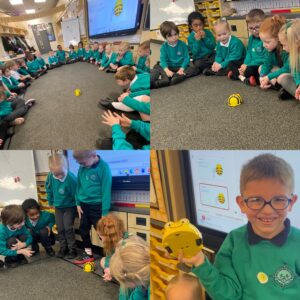
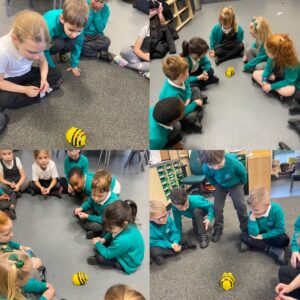
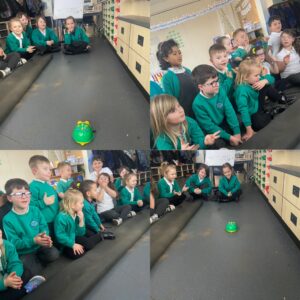
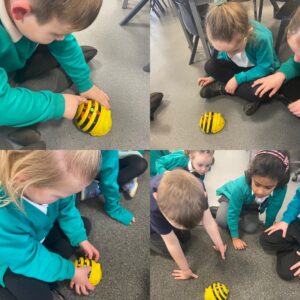
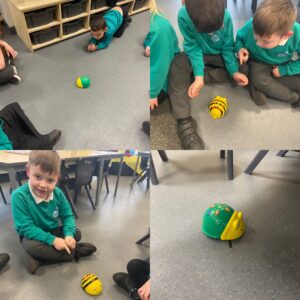
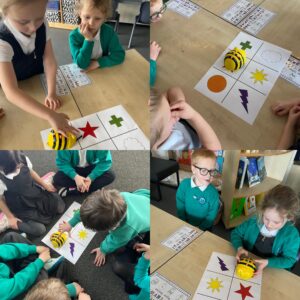
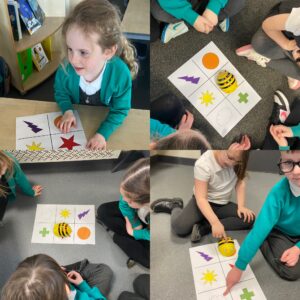
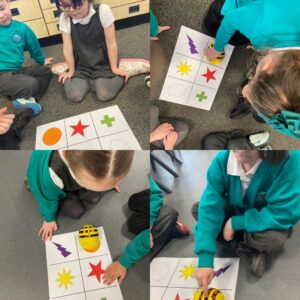
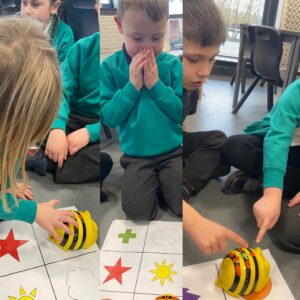
This term Year 1 were introduced to the Bee-Bots.

Bee-Bots are robots that need commands to make them move.

We spent time linking outcomes to each button.

The commands we learnt were:- forwards, backwards, turn, clear and go.
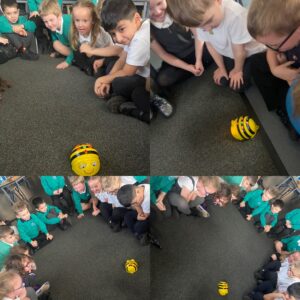
Now there children are familiar with the commands, they have been able to program the Bee-Bots to get to a finish point.


Scratch

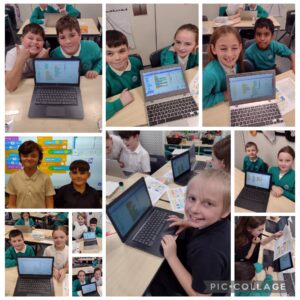
Year 3 are loving our new computing unit using the scratch programme.

We have spent time learning how to make our Sprite move, make sounds and even sequence a short string of sounds and movement together.

Some of us have made our Sprite walk across the screen before shouting, some of us have made our Sprite sing and dance to music.

We have also explored how to change a background when creating our scratch clips and even change our Sprites to different things.

We can’t wait to create more clips on Scratch.

Year 1 -ICT

This week our focus was about using computers safely in our school setting.

First, we looked at why we have rules in school and how those rules help us.

After some discussion, we found at that rules enable us:-

To stay safe

To make sure we are all happy 

So that we can learn

To help us to be good people 

Next, we looked at how we can apply this understanding to rules needed for using computer technology safely. Our 4 main rules in Year 1 are:-

Hold your device carefully

Stop using your device when someone is talking to you

Take turns with your partner

Only use the apps you’ve been asked to use

Finally, we recapped on all we had learned during our technology lessons.

We know that technology is something that has been made to help others, that we have different types of computer technology, that we can name the different parts of computers and that we have used a mouse and keyboard to draw pictures and write words.


Year 1 – Computing

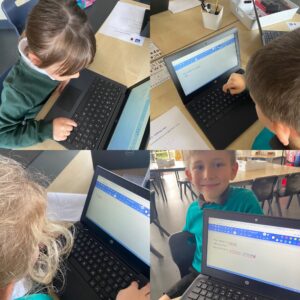
In ICT Year 1 have continued to use the laptops – this time to develop their keyboard skills

We found out that all keyboards are the same, the letters, function keys and numbers are always in the same place.

We also learnt that using the space bar is like doing a finger space and when you press and hold the shift key, you get a capital letter!

The children were able to use the arrow keys to get the cursor to where we need it to be, also the backspace key proved very useful to delete any mistakes we had made!

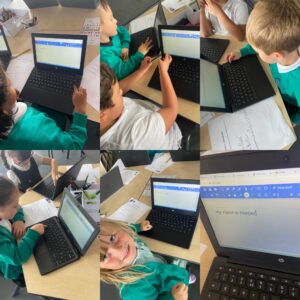
All the children were able to navigate the keyword to copy their sentences, using a text box they had made – they used good concentration skills and helped each other out too, fabulous work!

Y1 -ICT

Year 1 have continued to develop their trackpad skills and we also thought about what we would use the keyboard for.

We found out that keyboard is used for writing on a computer and that, on all keyboards, the keys will always be in the exact same place.

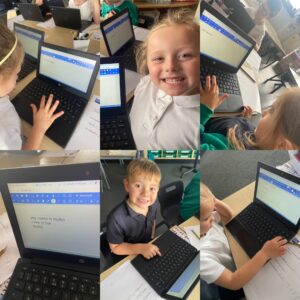
Our task today was to type our name using the keyboard.

Once on the paintzapp programme, together we were able to click on the tools to draw a text box. The children were then able to use the keyboard to type their name.

Most of the children could do this independently and we learnt that holding down the ‘shift’ key makes a capital letter.

We then had chance to explore all the tools… we found that you could draw a circle/square with one, another enabled us to fill the shape with colour and one gave a spray paint effect … we had fun finding out what all the tools were able to do.

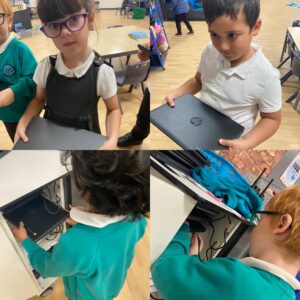
After completing our lesson this week, we were all able to place our laptops in the charging station and carefully plug the lead into the correct hole.


I

Y1 – ICT

Year 1 have been working on developing their trackpad skills.

We now understand the main components of a computer – screen, keyboard, mouse, trackpad – so we looked at different mice and how some look different but all perform the same function, such as the trackpad.

All of the children were able to switch on their laptop and find the artist app that we were going to use – with a little help of course.

We explored the tool bar, finding out that as well as changing colours, we could make shapesfill with colour and use a spray paint effect.

At first, some found it a bit tricky to select different tools and using the trackpads to draw … but all of the children showed determination and perseverance, and were able to produce some fabulous work.

Year 1 – Computing

This week, Year 1 had their first use of our school laptop computers, but first they needed to be able to identify the screen, keyboard and mouse/trackpad.

They enjoyed finding out how to turn on and log in to a laptop computer.

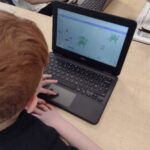
All of the children had a turn at developing their trackpad/mouse skills by completing a puzzle program. They needed to use the trackpad to grab and drag each puzzle piece… this proved a little tricky and it’s a skill that we will be working on developing more next week.

Y1 – ICT

Year 1 were excited to start their ICT lessons this week, especially the thought of getting their hands on the laptops… but first we had to find out what exactly ‘Technology’ is.

We found out the word ‘technology’ actually means ‘anything made by people to help us’.

The children then searched our classroom to find items of technology. The children were able to find many things and say how they help us…

Poppy told us that “glasses help us to see better”, while River said “my bottle has my water in it for me to drink and stay healthy” and all the children were surprised when Avie said the chair was technology as it helps us to sit down!

Technology is absolutely everywhere in our classroom, so we had to go outside to find things that aren’t technology… trees and the sky aren’t technology as they are not made by people.