Year 2 – PSHE

Year 2 have started their fifth Jigsaw piece in PSHE this term, we are thinking all about Relationships.

We will be having discussion about:- families, keeping safe, friends and conflicts, secrets, trust and appreciation and celebrating special relationships.

Last week we explored keeping safe and physical contact.

First, we  chatted about how physical touch is important to humans, that it can help us to feel loved, protected and safe. We spoke about how it’s ok to not like some kinds of physical contact and that asking permission and respecting each others voices is important.

As a class, we discussed some of the touches that we don’t like e.g. fighting in the playground, pushing and shoving, a smack or a thump, smothering hugs from a relative or family friend.

The children understood that it is okay not to like some forms of physical contact/touch and also that different people prefer different types of touch e.g. some people like being tickled and others don’t.

We spoke about how we can all make sure that our hands are ‘kind hands’ that don’t hurt other people. We ensured that everyone knew they have the right to say, “please stop, I don’t like that”, and that they knew who they can talk to if someone touches them in a way that they do not like.

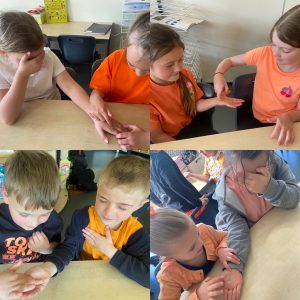
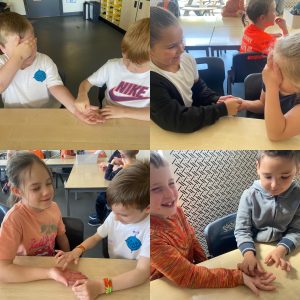
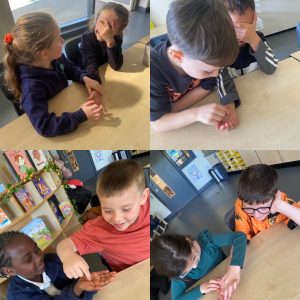
After that we had an amazing lesson… first we drew shapes on the back of our partners had, trying to guess it and also saying how it felt…
 

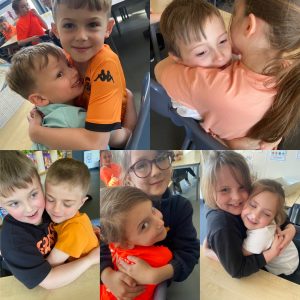
…then we shared hugs…
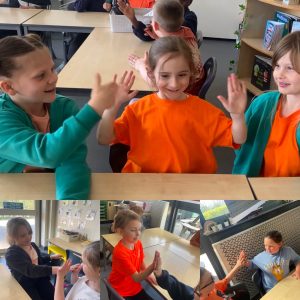
…and high-fives!
After that, we drew around our own hand…
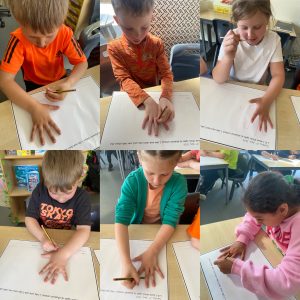
…then, we drew around our friend’s hand…
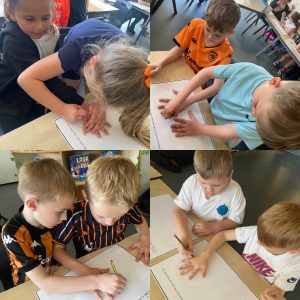
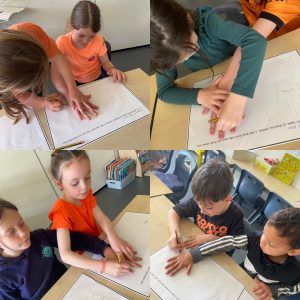
…and finally, we wrote in our books about the touches we like and the ones that we don’t.
Year 1 – RE – It’s a Wonderful World!

This week Year 1 had a fabulous RE lesson, which was all about Our Wonderful World.

First, we listened and sang along to Louis Armstrong –  ‘A Wonderful World’.

Then, we learned about The Seven Natural Wonders of the World and we were amazed by their breathtaking beauty.

The Seven Natural Wonders are massive landmarks formed by nature.
They include the Grand Canyon(huge Arizona gorge), Great Barrier Reef(Australia’s coral city), Rio de Janeiro Harbor(Brazil’s scenic bay), Mount Everest (tallest mountain), Northern Lights (sky light show), Parícutin (Mexico’s volcano), and Victoria Falls (giant waterfall).
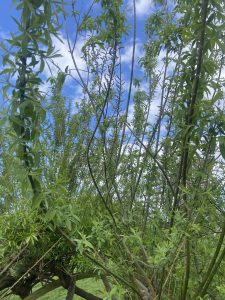
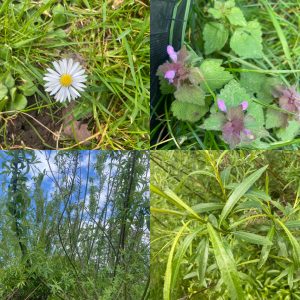
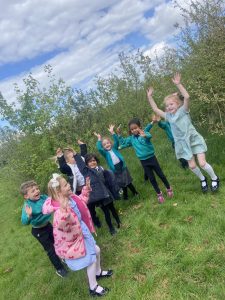
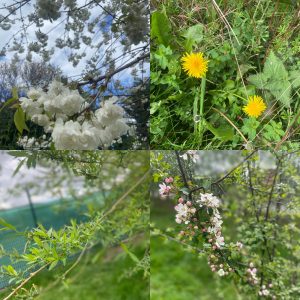
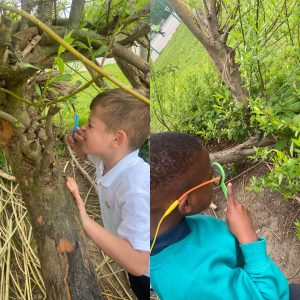
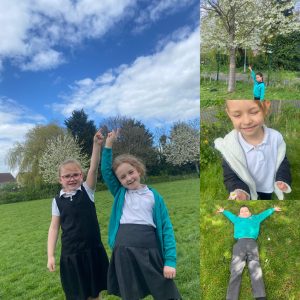
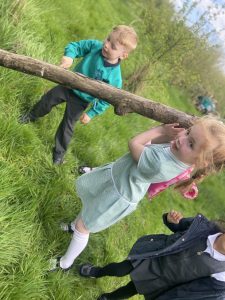
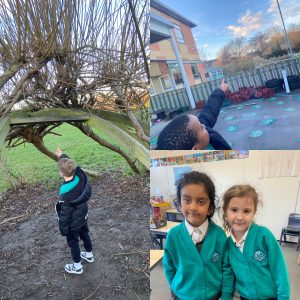
After that, we went outside and spotted the natural wonders around us – bright flowers, buzzing bees, tall trees, the beautiful sunshine, the fluffy clouds and the amazing, blue skies.

We talked about how lucky we are to live in such a beautiful world and how important it is to take care of it.
Finally, we discussed all the ways to help keep our planet safe, like recycling, saving water and protecting nature.
Year 2 – egg decorating afternoon

What a busy Tuesday afternoon!

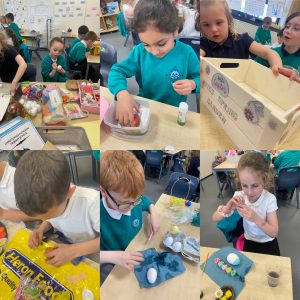
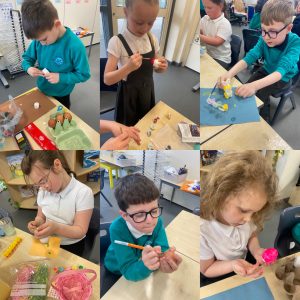
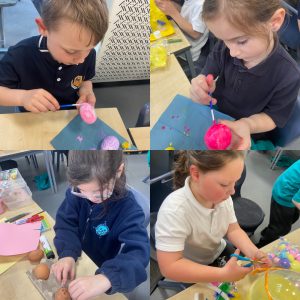
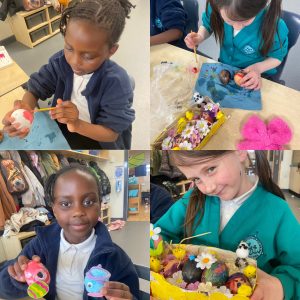
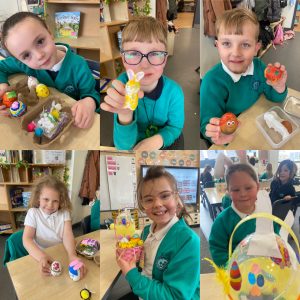
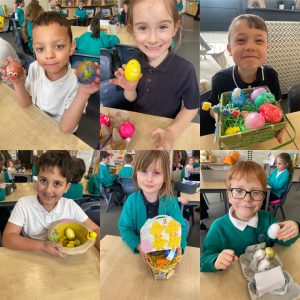
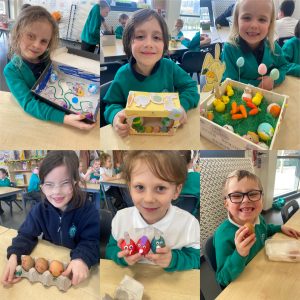
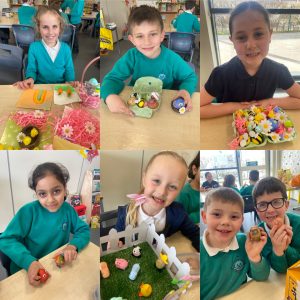
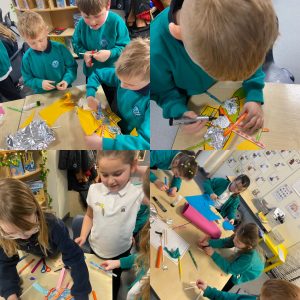
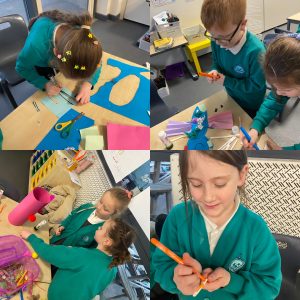
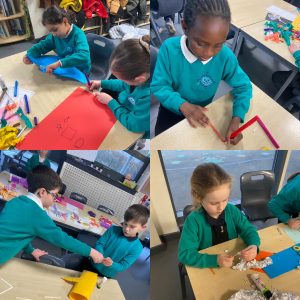
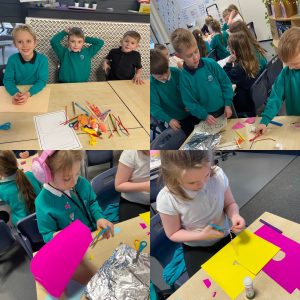
Miss Blakeston’s class all came prepared with an array of fabulous easter decorations ready for a craft afternoon. They all displayed their creativity as they set to work … kindness and teamwork were also shown, helping each other out and sharing their own resources with their friends.


All of the children were so proud of their creations!


Year 1 – ICT

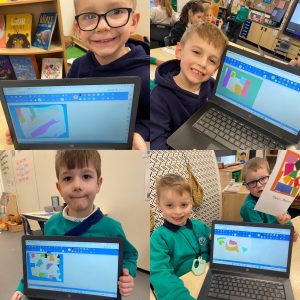
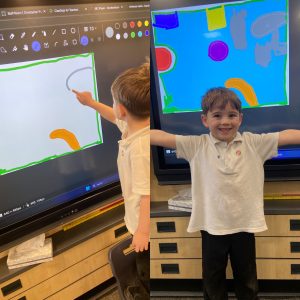
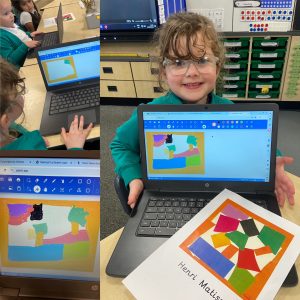
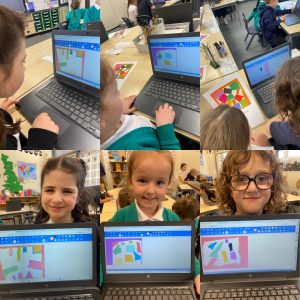
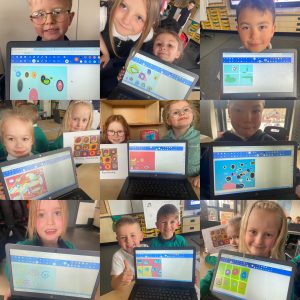
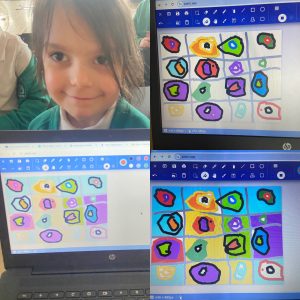
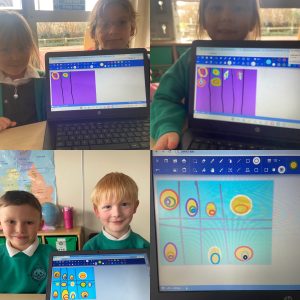
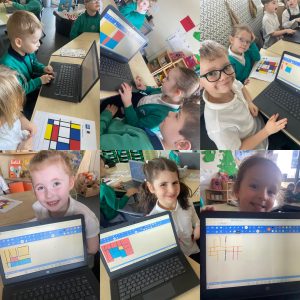
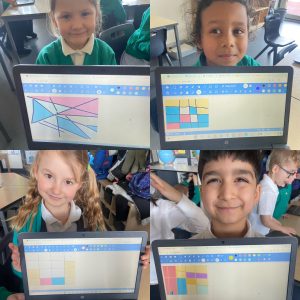
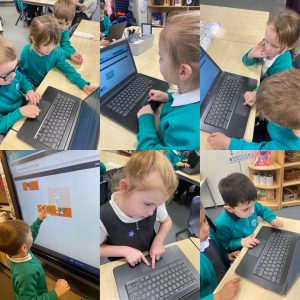
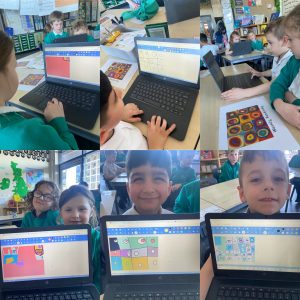
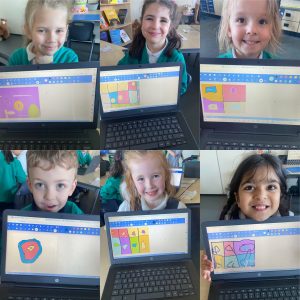
This term Year 1 have been using their laptop skills to enable them to digitally paint.

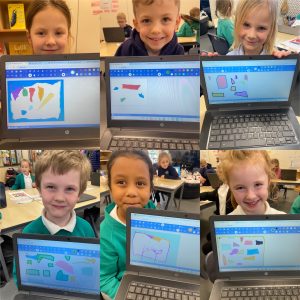
They have used a variety of tools (shape, line, fill, undo, colours) create their own digital painting in the style of an artist.

The artists we have taken inspiration from are:-

Piet Mondrian

Henri Matisse

Wassily Kandinsky

George Seurat


All of the children have produced the most amazing work, take a look…


Year 1 – Computing

This week, Year 1 have continued with their work on the laptops.  We are still using the paintz.app, but this term we are focusing on Digital Painting.

We will be looking at a different artist each week and creating our own masterpiece, inspired by their work.

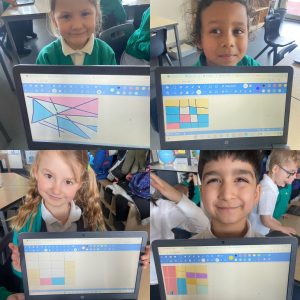
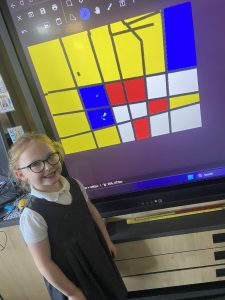
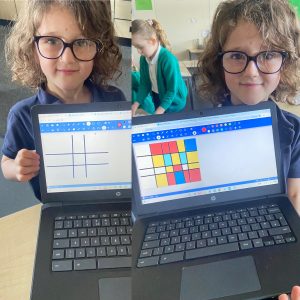
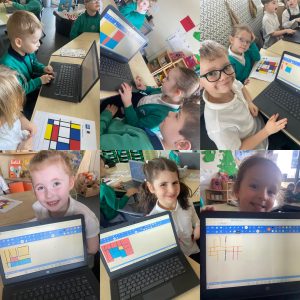
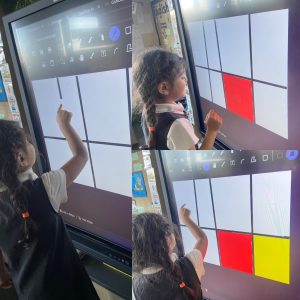
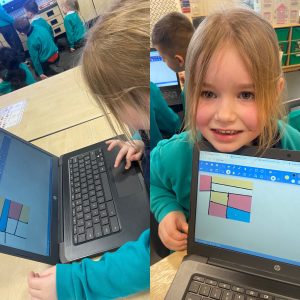
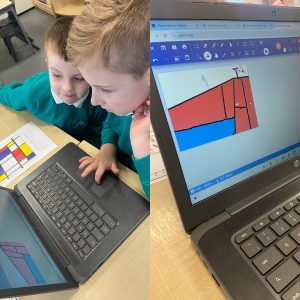
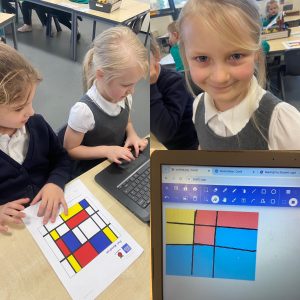
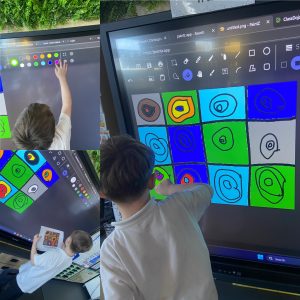
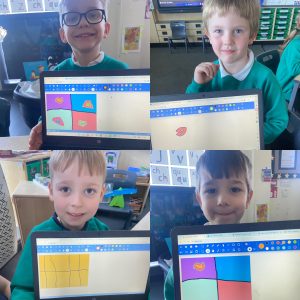
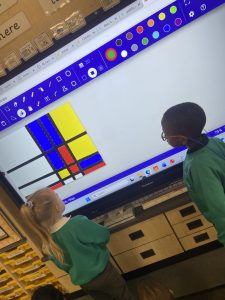
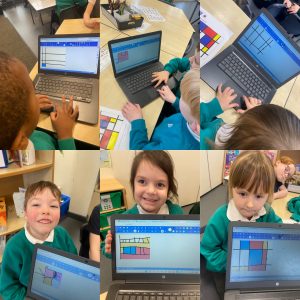
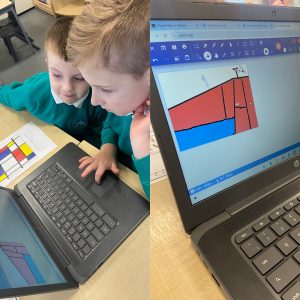
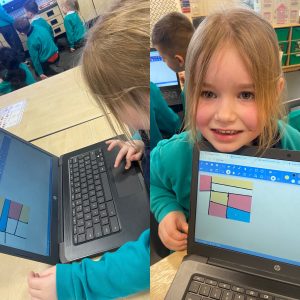
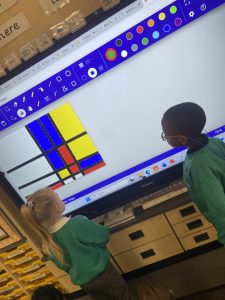
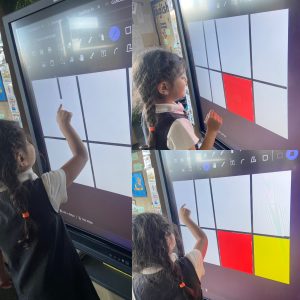
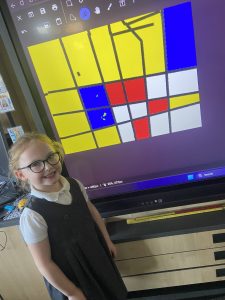
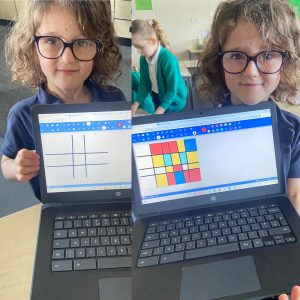
The children became artists, as they created their own fabulous masterpieces, inspired by the artist Piet Mondrian.

The children observed that his work just used primary colours and squares and rectangles created by using lines.

We realised that the line and fill tools would be perfect for us to use. The children were able to make the shapes with lines and then ‘pour’ the primary colours in.

Just look at their fabulous work!


Year 1 – Computing

This week, Year 1 have been thinking about internet safety, how to use  technology responsibly and why we have rules.

The children shared some rules they know about.

“You mustn’t go on unsuitable things” Eve.

“Have a break from screen time” – Bailey.

“Tell a grown up if you hear any bad words” – Charlie.​

“Only go on your tablet after you’ve had tea”  – Gracie.

“Keep passwords secret!” – Benjamin.

We shared talk about all of these and also discussed only going on games, apps and programs that our grown up allows us to, either at home or school. We also chatted about telling a grown up if we see or hear anything that makes us sad or worried.

After that, we thought about the  rules we have when using computer technology at school, such as:- ​

  • Hold your device carefully
  • Stop using your device when someone is talking to you
  • Take turns with your partner
  • Use only the apps you have been asked to used
  • Don’t share your passwords​​

Year 1 will be continuing to work on the laptops after half-term, remembering these rules.

Year 2 – Jigsaw PSHCE

This term our Jigsaw piece has been ‘Dreams and Goals‘.

We have been thinking about what skills enable us to achieve our goals, how we can help ourselves to achieve success and finding out what our individual learning strengths are.

First, we each chose an individual achievable challenge:-

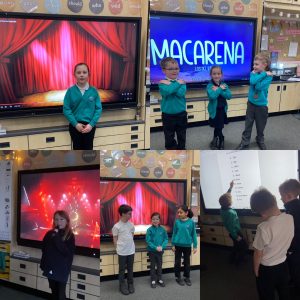
  • Learn the Macarena dance.
  • Count to 20 in Chinese.
  • Count in 2’s to 20 in French.
  • Memorise the poem, ‘The Owl and the Pussycat’.

Next, we took part in a group challenge to make a dream bird.

Finally, we thought about the skills that were needed to achieve both these challenges.

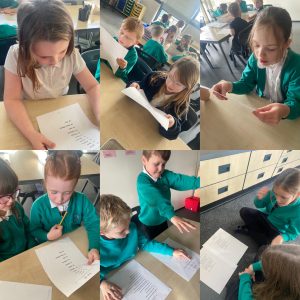
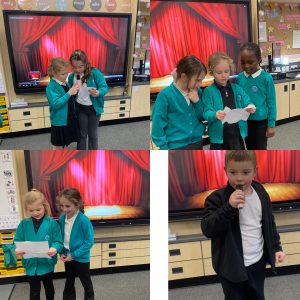
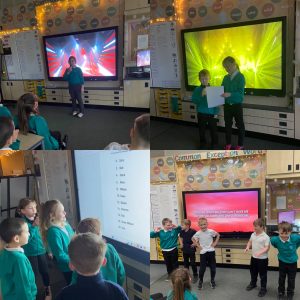
During our individual challenge, we printed out instructions/words, watched a video, read and repeated … and practised, practised, practised!

The children were excited to perform to each other the following week.

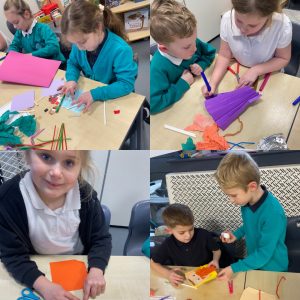
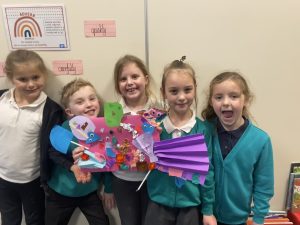
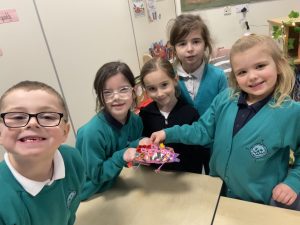
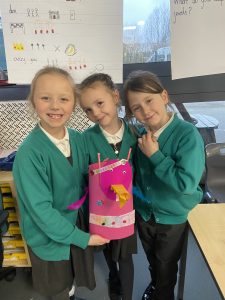
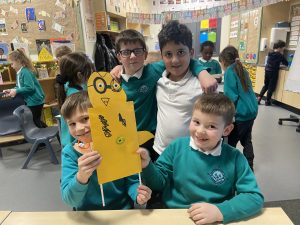
Then the children all participated in a group challenge to make a dream bird.

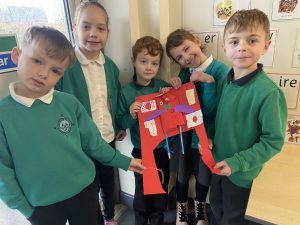
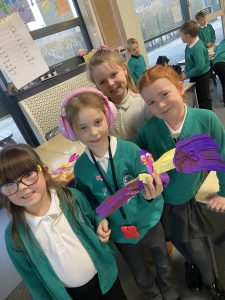
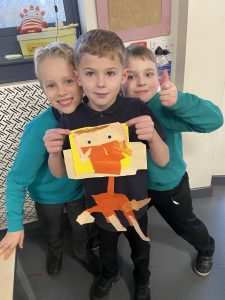
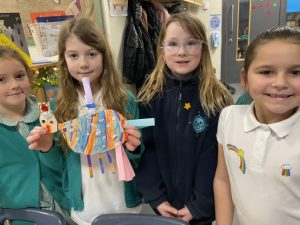
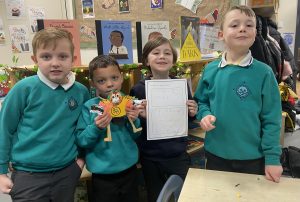
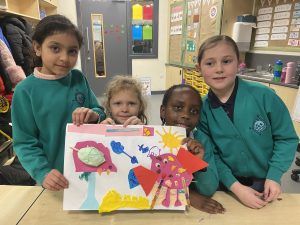
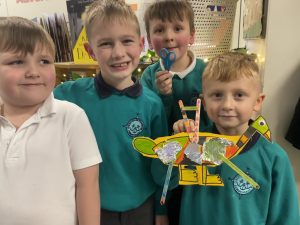
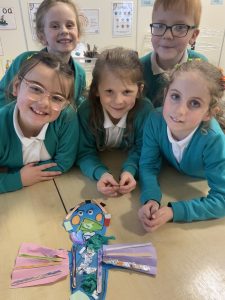
The children were all able to work well in a group to create an end product. They communicated well and used each others skills, teamworkproblem solving and praise were displayed.  They were able to explain some of the ways they worked well in their group to create the end product and could express how they felt to be working as part of their group, using words such as successfulproudachievement and happy.


Just look at their amazing dream bird creations!


Year 1 – Computing

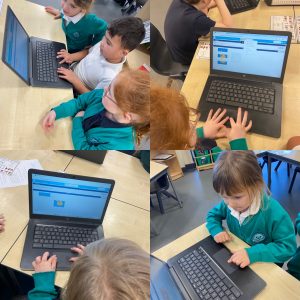
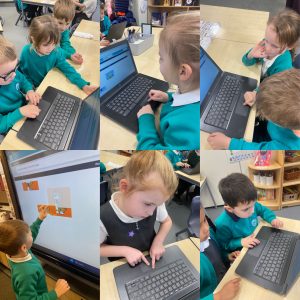
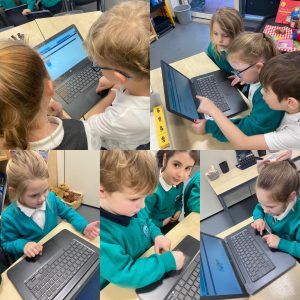
Year 1 have been working on developing their trackpad skills.

We now understand the main components of a computer – screen, keyboard, mouse, trackpad – so we looked at different mice and how some look different but all perform the same function, such as the trackpad.

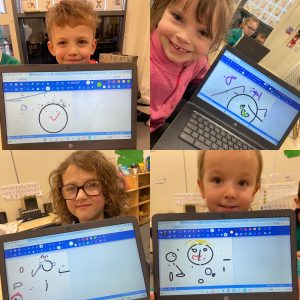
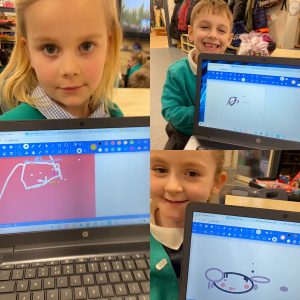
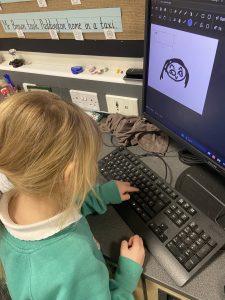
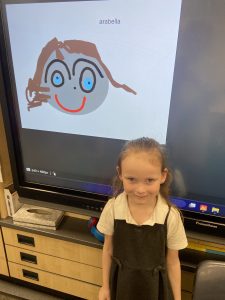
This week which tried out paintz.app, which is an online artist programme.

First we explored the tool bar, finding out that as well as changing colours, we could make shapesfill with colour and use a spray paint effect.

Then we had chance to explore all the tools… we found that you could draw a circle/square with one, another enabled us to fill the shape with colour and one gave a spray paint effect … we had fun finding out what all the tools were able to do.


At first, some found it a bit tricky to select different tools and using the trackpads to draw … but all of the children showed determination and perseverance, and were able to produce some fabulous work… with some is us even managing to type our name using the keyboard.


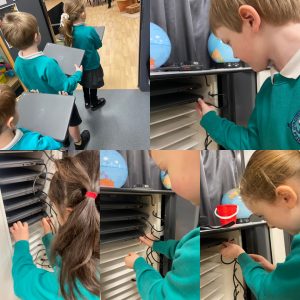
After completing our lesson this week, we were all able to place our laptops in the charging station and carefully plug the lead into the correct hole.


Year 1 – Computing

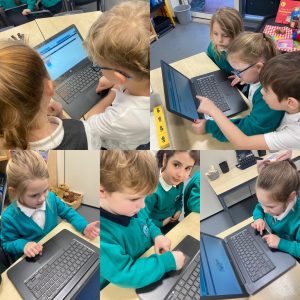
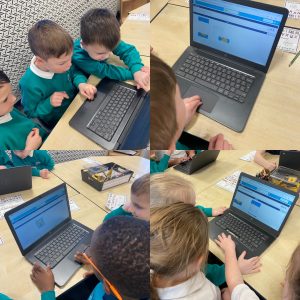
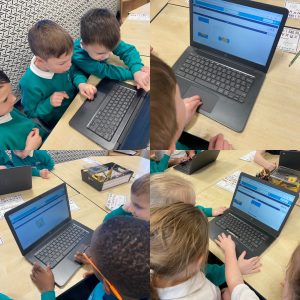
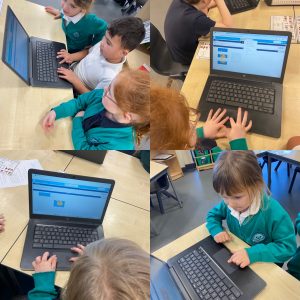
This week, Year 1 had their first use of our school laptop computers, but first they needed to be able to identify the screen, keyboard and mouse/trackpad.

They enjoyed finding out how to turn on and log in to a laptop computer.

All of the children had a turn at developing their trackpad/mouse skills by completing a puzzle program. They needed to use the trackpad to grab and drag each puzzle piece… this proved a little tricky and it’s a skill that we will be working on developing more next week.

Year 1 – Computing

This term in Computing, Year 1 will be getting to use the school laptops … but first we had to find out what exactly ‘technology’ is.

We found out the word ‘technology’ means ‘anything made by people to help us’.

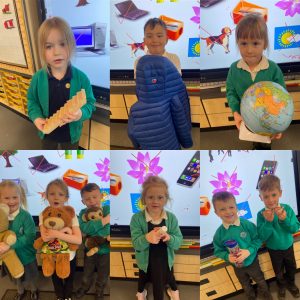
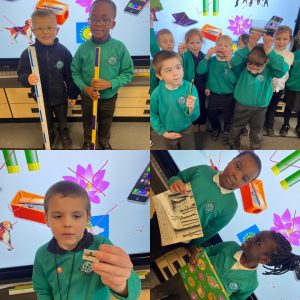
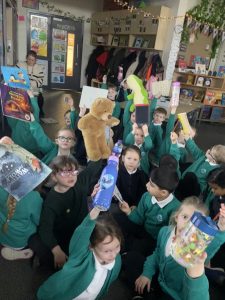
The children then searched our classroom to find items of technology. The children were able to find many things and say how they help us…


Harvey told us that “glasses help us to see better”, while Matilda said “my bottle has my water in it for me to stay hydrated and healthy” and all the children were surprised when Thomas said the chair was technology as it helps us to sit down! Roman and Aurelius both found sticks that help us to measure.

We discovered that technology is absolutely everywhere in our classroom, so we had to go outside to find things that aren’t technology… trees and the sky aren’t technology as they are not made by people… also, the children found it funny to learn that we also aren’t technology!